Completed
Improvements to Purchasing Card Setup for Required/Optional Transaction Information
What we’re doing:
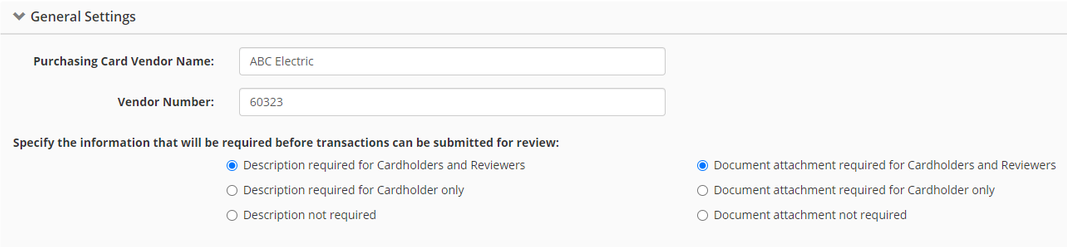
Enhancing the system to enable the administrator to choose if supporting documents and transaction descriptions are required or optional for cardholders and reviewers
Why we think you’ll like it:
The Purchasing Card system currently supports the ability to set the transaction description and/or the supporting document Attachment as required for the cardholder when they update their own transactions. Any other user up-stream of the cardholder (location reviewer, supervisor, final reviewer) would not be prevented from proceeding even if the description is not updated or the supporting document (receipt) is uploaded. The Purchasing Card Settings has been enhanced to enable the Administrator to set the Description and/or Document to required for all users interacting with the transactions before they are able to proceed with submitting or finalizing.
Learn more:
Navigate to Finance > Requisition & Purchasing > Purchasing Cards
Click on Settings in the left navigation menu, and under General Settings you can specify the information that will be required before transactions can be submitted for review