Scanning and Upload Software Update
Patch release 20.01.02 comes with an updated Dynamsoft Software Update for the document scanning and upload feature. Please follow these easy steps to update to the newest version of Dynamsoft.
-
When accessing any document to view, scan, or upload in your atrieveERP system, the program will complete a version check and will detect if an older version of software is running.
-
If an older version of software is found, the user will be presented with a pop-up window to download and install again (Steps provided below). You do not have to uninstall the previous version, the program will simply complete an upgrade to the newest version.
-
The upgrade is quick and simple to complete on each users workstation.
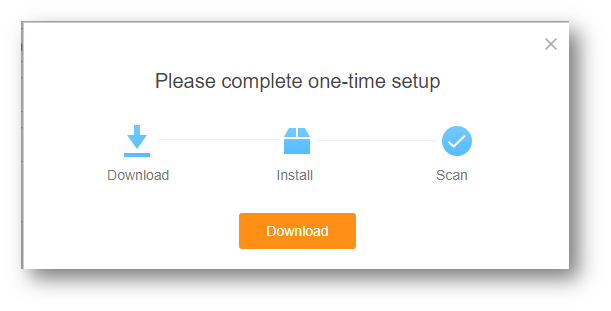
Please complete one-time setup
-
Choose Download
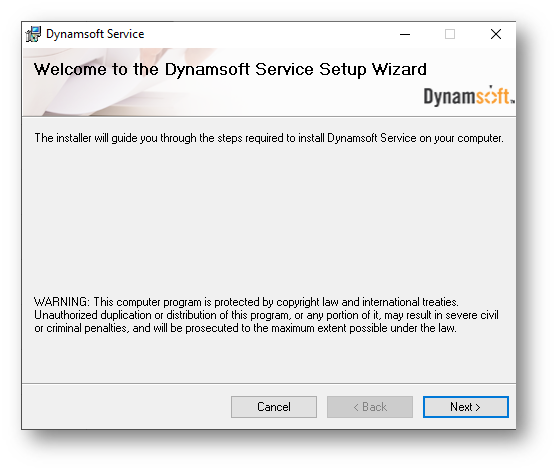
Set-up Wizard
-
Select Next
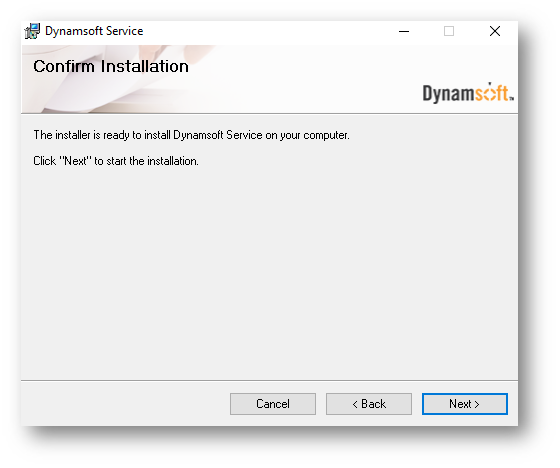
Installation
-
Select Next
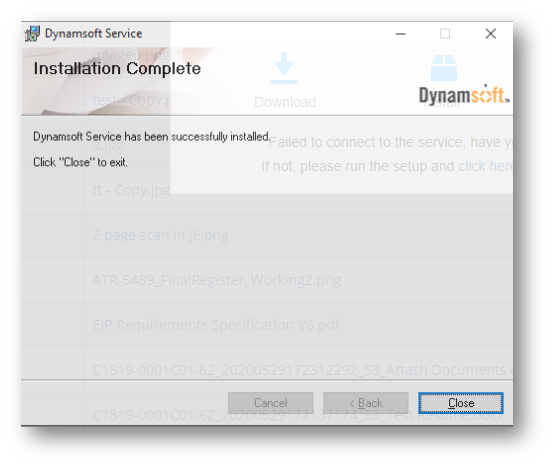
Installation Complete
-
Select Close