
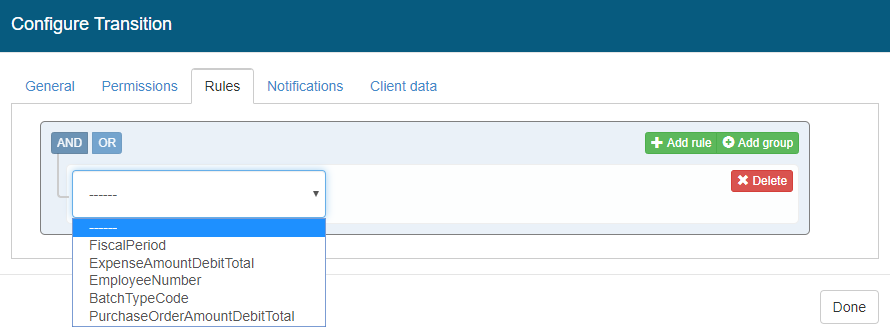
Rules can be set specifically for Journal Entry workflows, in the future addition rule criteria will be available as needed to support other modules.
Rules can be built using the following criteria:
-
Fiscal Period
-
Expense Amount Debit Total
-
Employee Number
-
Batch Type Code
-
Purchase Order Debit Total
To add a rule, click Add rule and then specify the criteria the operator and the value. For example, 'EmployeeNumber equals 12345'
You can add multiple rules using AND or OR conditions as well as logically group rules using the Add group functionality.
The Workflow system currently supports alternate approval paths but not a sequential path. The workflow builder will be enhanced to support multiple approvals on a single path in a future release of the software.