Completed
Journal Entry Workflows - Rejection Comments
What we’re doing:
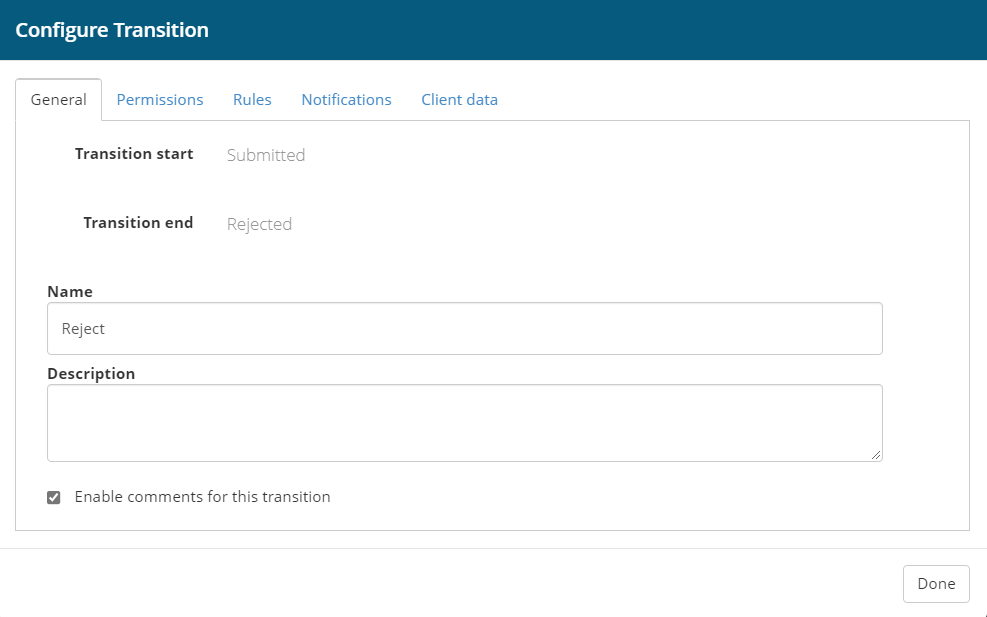
Journal Entry Workflows have been enhanced with the ability to enter comments. For example, you may setup the workflow to prompt for comments when a Journal Entry is 'Rejected'. Once a comment is added to a workflow, it will be visible in the Routing Activity table, on the following pages: Modify Journal Entry, Activity, and Posted Audit thus making the comments viewable to the originator, the approvers, and the posting administrators.
Why we think you’ll like it:
It’s important for a user to understand why their journal entry was rejected so they know what needs to be corrected. Adding functionality for the approver to add a comment saves time and makes the workflow more efficient.
Learn more:
Setup Instructions
From the Web Portal, go to Tools > System Tools > Workflows Builder > Workflows. Select the applicable workflows template, then the applicable node (e.g. Reject). Check the box that says “Enable comments for this transition”.