Accounts Payable Workflow
Accounts Payable Workflow provides an extra layer of security for managers to review all cheques and EFT payments on a preliminary cheque register and electronically provide final approval before the final cheque register can be processed, cheques printed and the EFT file uploaded to the bank.
Please contact atrieveERP sales for a quote to assist with setup of profiles, authorizers and routing before attempting to implement this new feature.
Overview of the Accounts Payable Workflows
Enter accounts payable invoices and finalize batches.
Run the Accounts Payable Register.
Run the Preliminary Accounts Payable Register. The Preliminary Cheque Register can be processed as many time as required, when ready to send the register for approval set the ‘Submit Preliminary Register For Approval’ prompt to ‘Yes’.
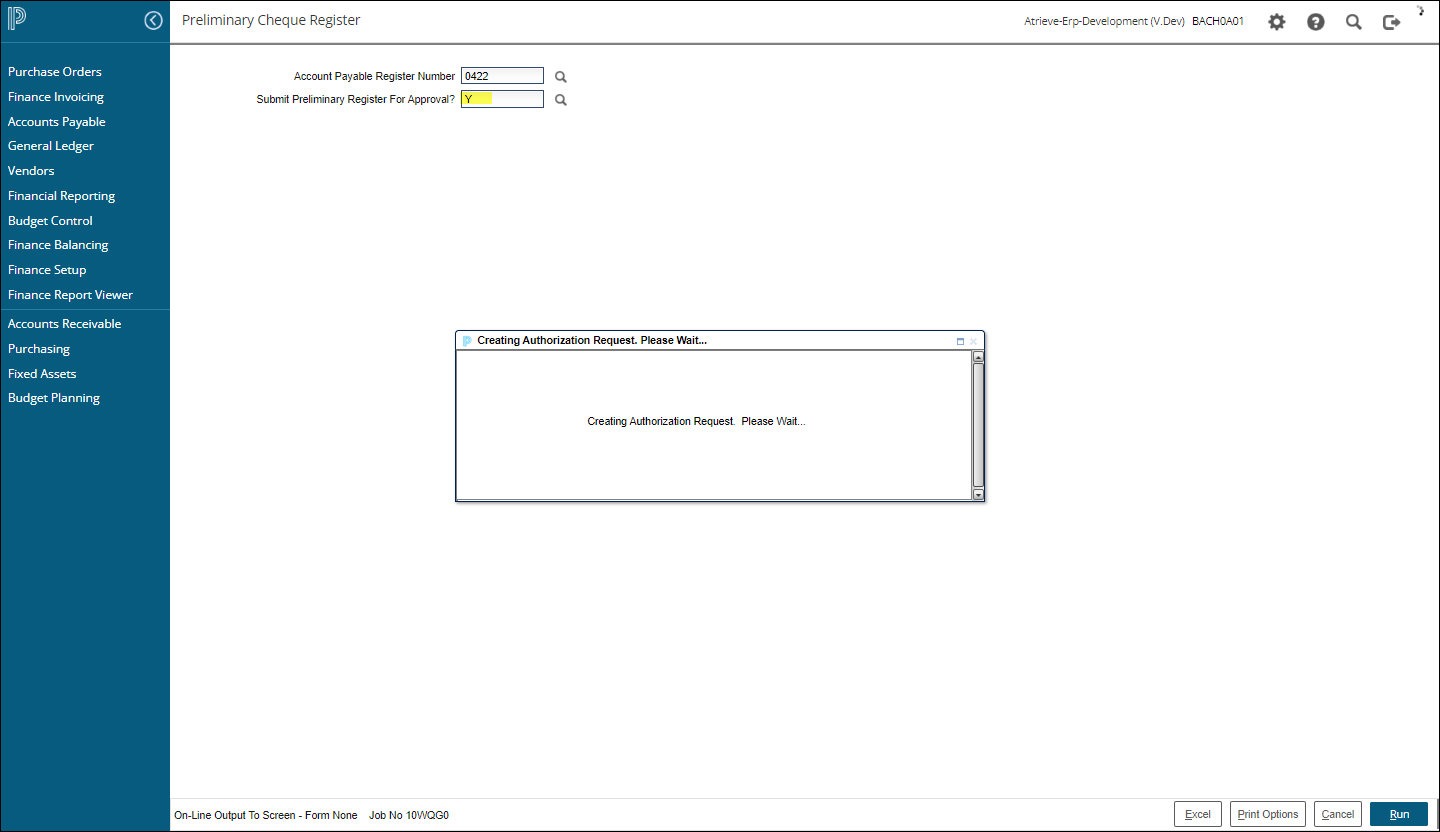
The Accounts Payable Clerk will be advised once the request has been sent. If the clerk determines that changes need to be made, they can resubmit the preliminary register for approval.
The AP Manager will received an email notification advising that an AP Register Approval Task requires their attention. A link to open the task is available that will take them directly into the web portal and will load the Accounts Payable Register Authorization screen:
Alternatively, a task is also created on the authorizer’s Task Manager which will allow access to the same Accounts Payable Register Authorization screen by selecting the Task ID hyperlink:

The resulting Accounts Payable Register Authorization screen provides the details outlining all payments by cheques and payments by EFT, by Bank Number.
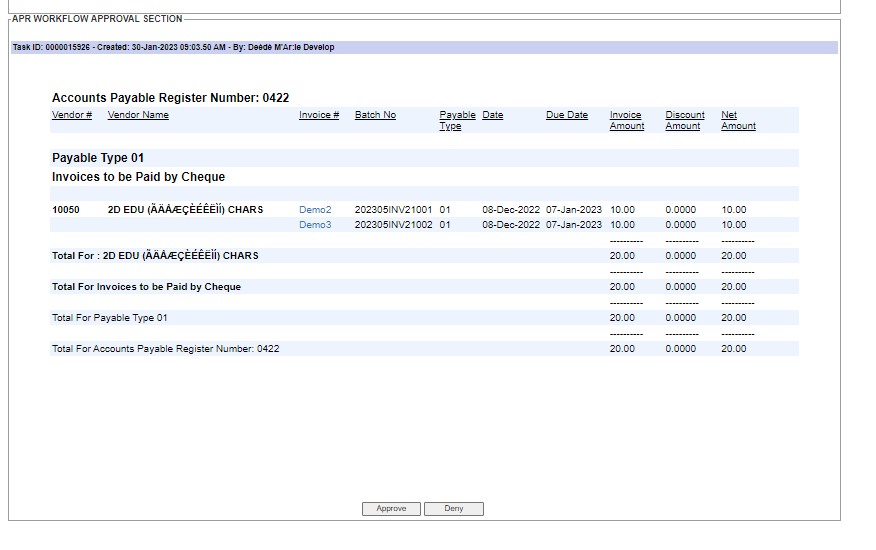
Clicking on the Invoice Number hyperlink will allow the authorizer to review the invoice details. For those customers that are scanning invoices, the original invoice PDF copy will also be accessible to view by clicking on the ‘View Invoice’ link:
Approve or Deny the Accounts Payable Register
If denied, the authorizer will be able to send a message to the originating Accounts Payable Clerk providing specifics on why the register was denied. The accounts payable clerk can then make any requested changes before re-submitting the preliminary accounts payable register for approval.
Once authorized, the originating Accounts Payable Clerk will be notified that the register has been authorized. Authorized registers can then be processed through a Final Cheque Register, cheques printed and the EFT bank file uploaded.
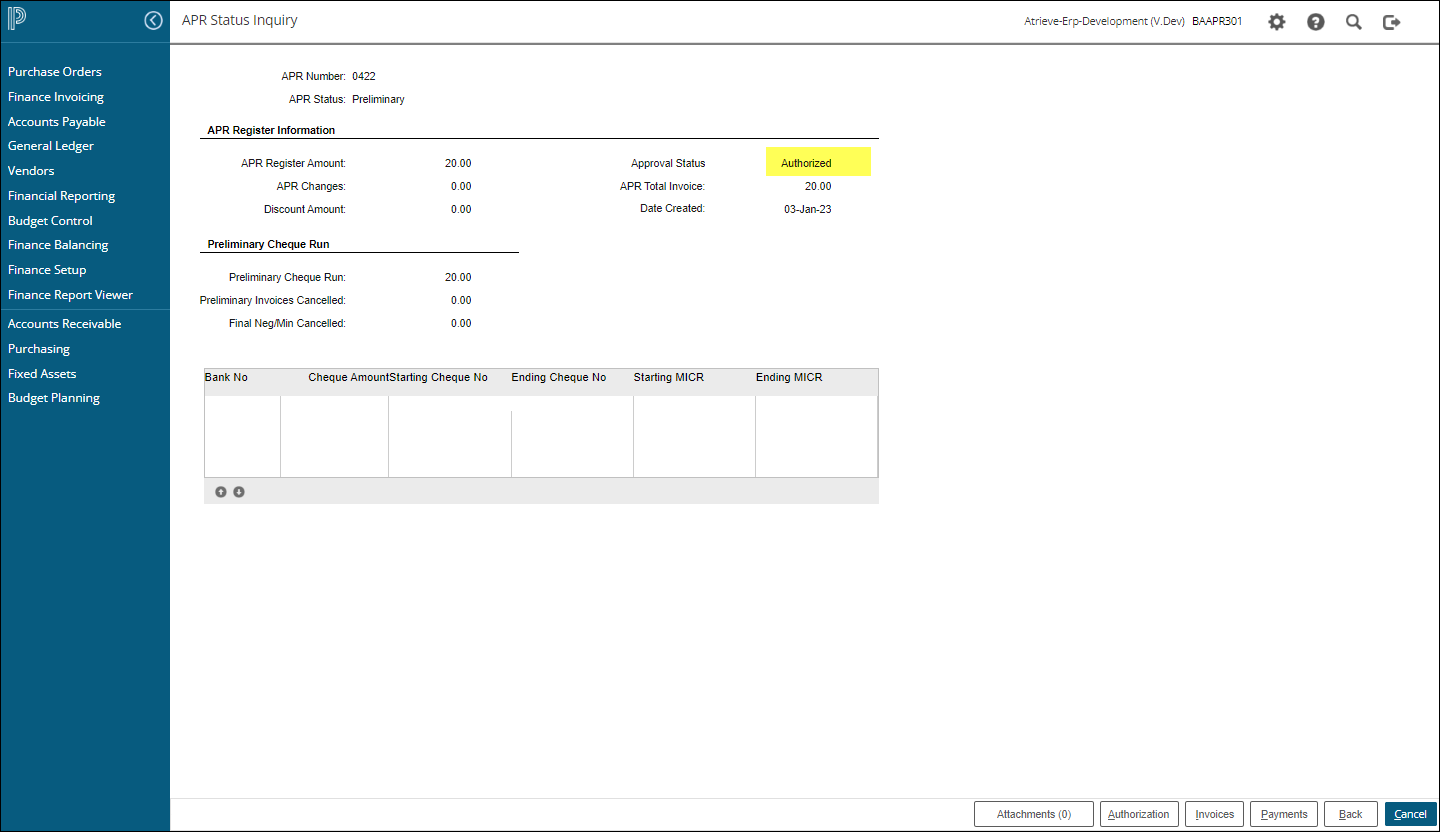
The Accounts Payable Register Approval Status will be updated on all lookup screens, as shown above, as well as on the Accounts Payable>A/P Register Inquiry screen: