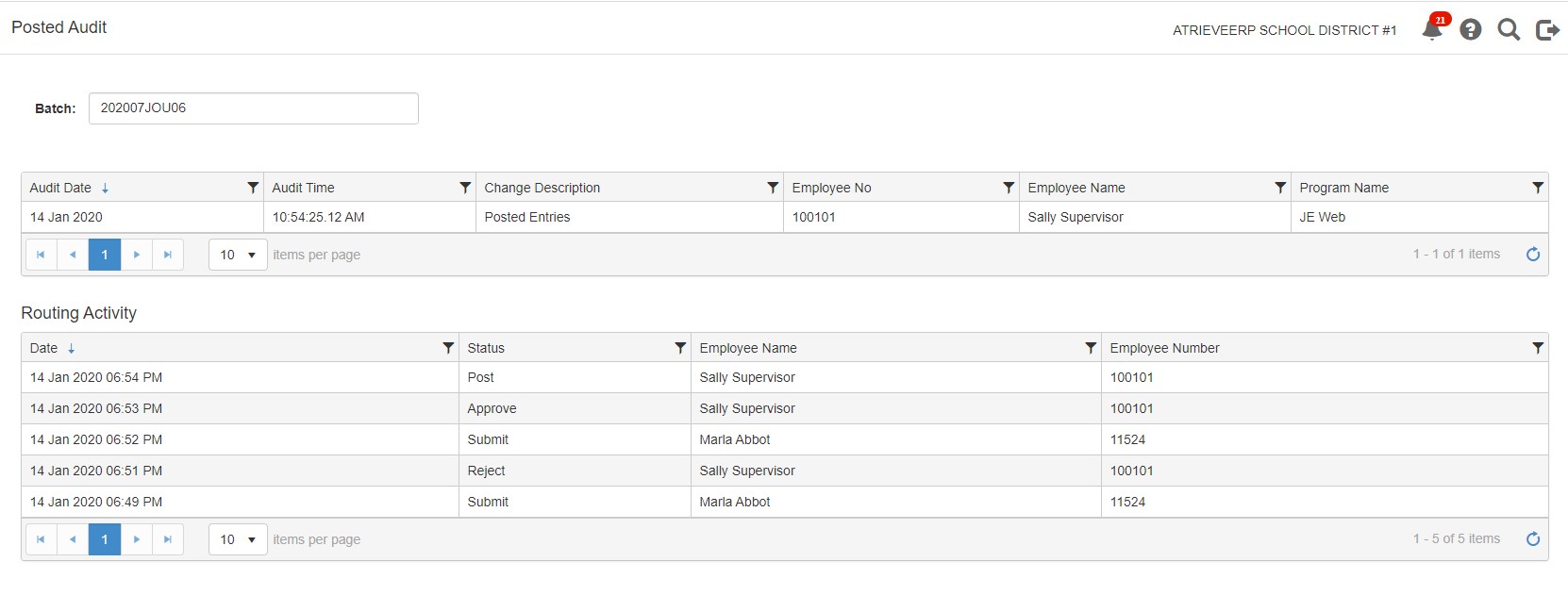
The Posted Audit table allows you to view information about the lifecycle of a journal entry batch, including, the day and time it was created, the status change and who made the change.
-
Click Posted Audit in the left-navigation bar
-
Select the batch from the dropdown list, or simply start typing a portion of the batch name and the list will filter to show possible matches
-
Click on the quick filter icon, located in each column, to further filter the results