-
Click Search in the left navigation bar
-
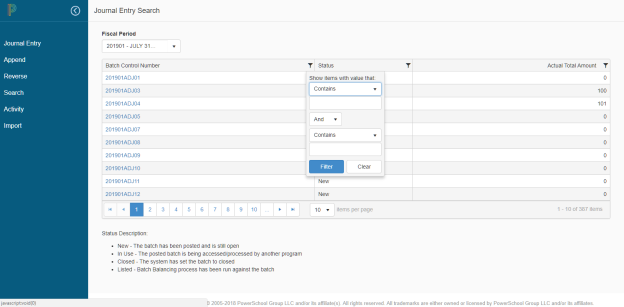
Enter the Fiscal Period, and the grid will refresh to show batches associated to that fiscal period
-
Click on the quick filter icon, located in each column, to further filter the results

-
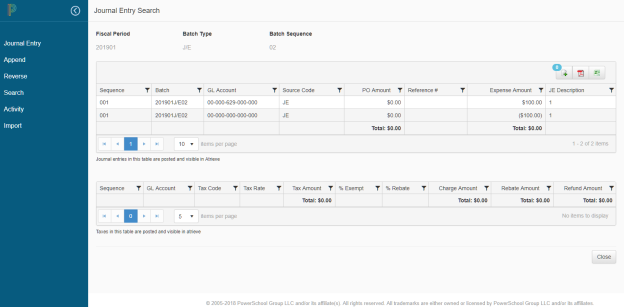
Click on the Batch Control Number hyperlink to view the details of the posted journal entry, the information will be displayed in read-only format