The Requisitions Activity page provides visibility into the workflow of a requisition, from Added to Authorized.
To view requisition Activity you will need the Role Based Security permission ‘Activity’
To navigate to the Activity page click on Finance > Requisitions & Purchasing > Requisition (New) > Activity
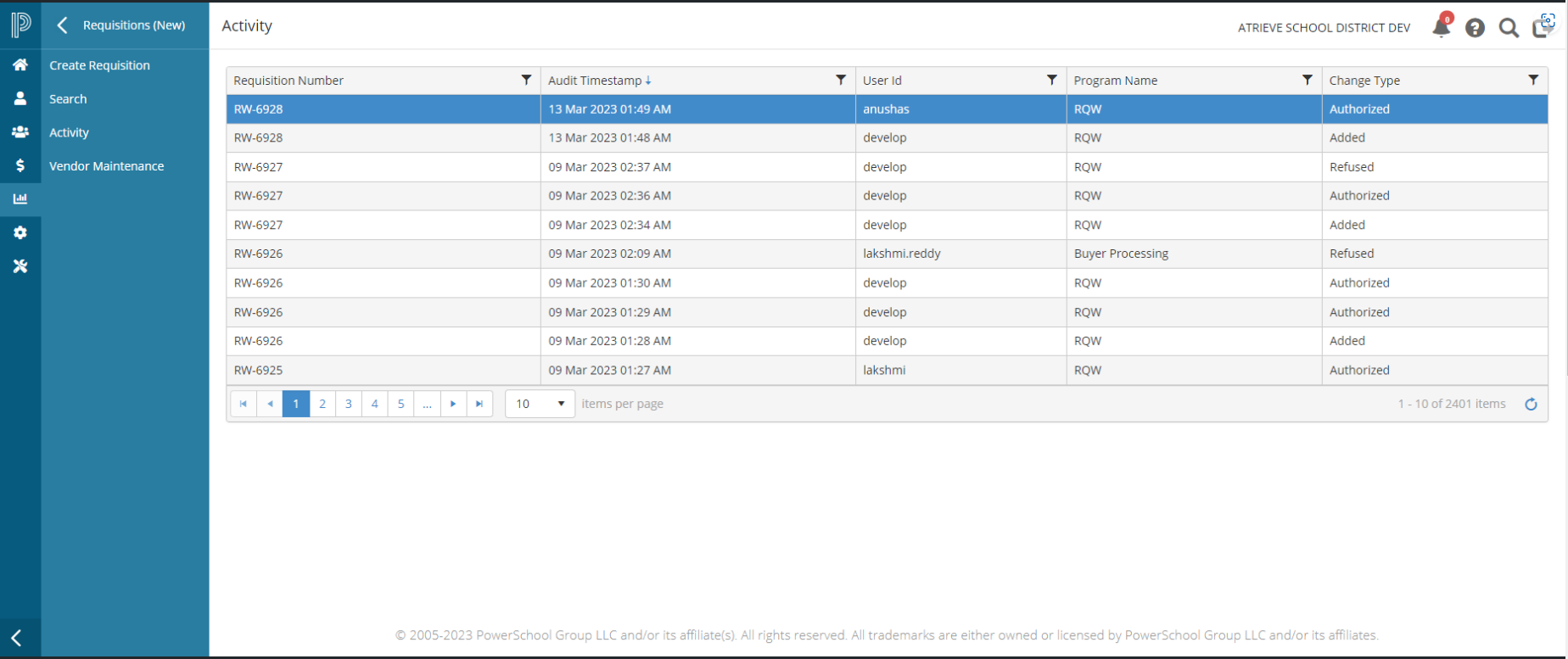
The Activity page provides information including the requisition number, date/time stamp, user ID, program that initiated the action, and the type of change.
Each of the columns in the table is click sortable (ascending/descending order) and provides a way to further filter the data, by clicking the appropriate column filter icon.
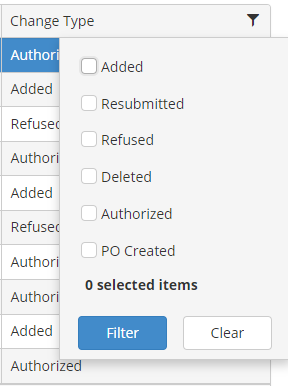
The Change Type column filter, includes a list of the possible change types, where you can select one or more to further filter the table information