
When making an assignment updating FTE or Location information, users will want to create a Schedule Review Task.
In the following example, a change to the employee's location as been made, but the schedule has not been updated.
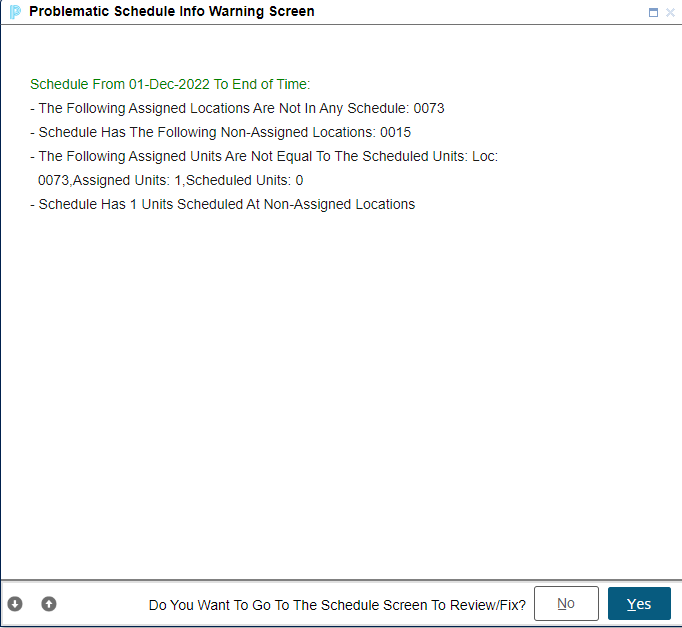
A warning will appear indicating that the schedule needs to be updated,
Users will have two options:
Option 1
Select NO to not fix. You will be prompted to create a schedule review task after you have saved your assignment changes.
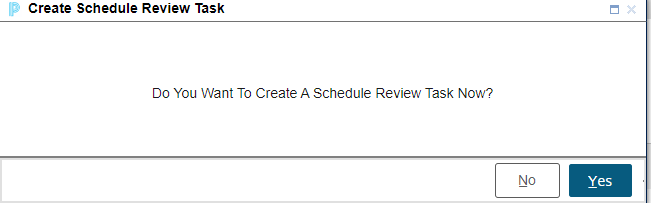
Users will complete the Assignment Add or Change, creating the history if required. A prompt will appear to create a Schedule Review Task. Select YES. This will automatically send an email notification and a task to the location user assigned to complete schedules at the school.
Option 2
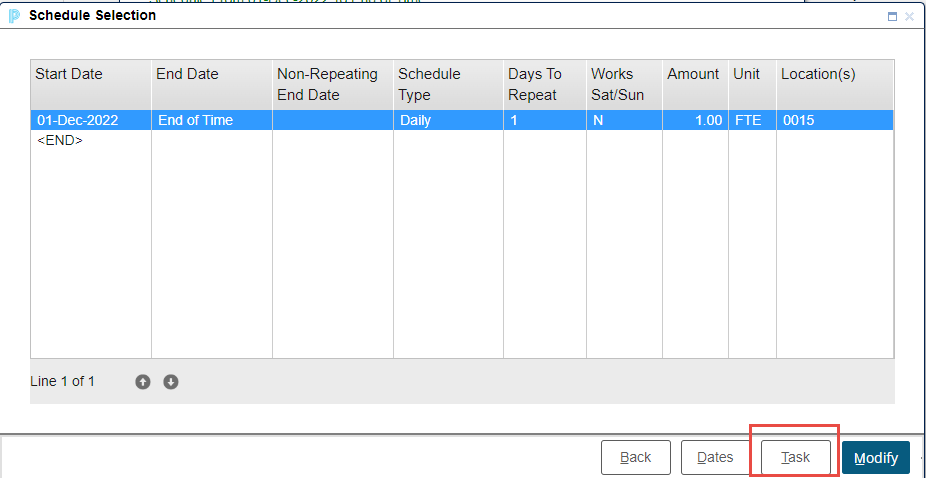
Select Yes to go to Schedules and select the Task button the Schedule Selection page to send a Schedule Review Task. This will automatically send an email notification and a task to the location use assigned to complete schedules at the school.
The location review recipient will get an email and a Task manager notification alerting them to this new task.