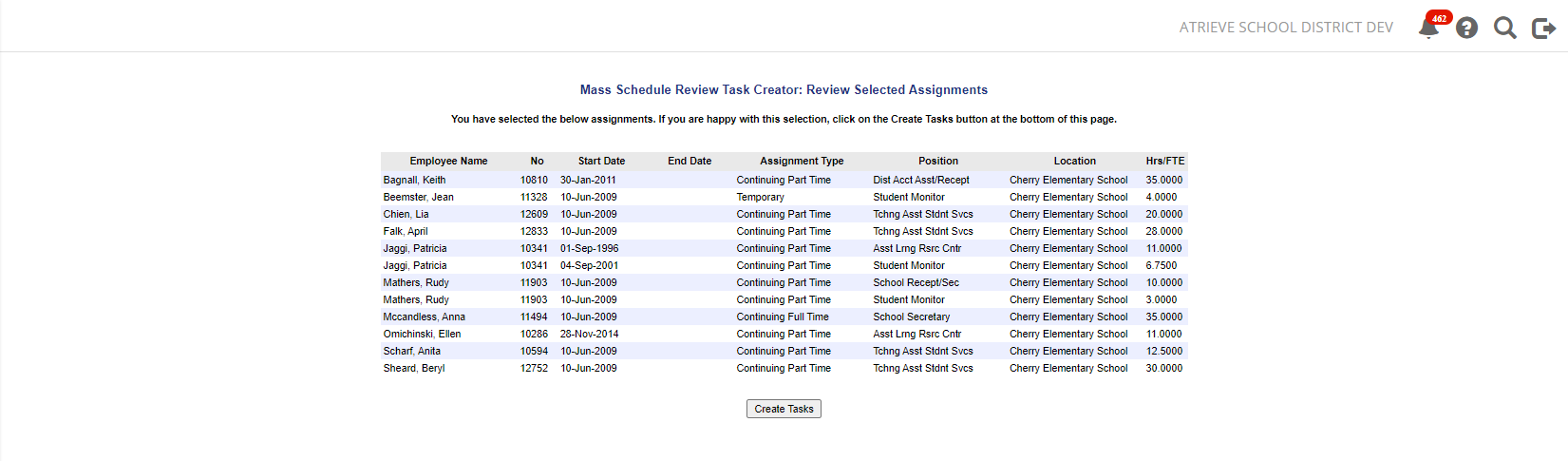
The Create Review task found in the Web Portal, is an alternative tool for Mass Schedule Generation. This would be useful after semester breaks or after completing a number of new hire entries into Atrieve. This is a good way to have a location review all their schedules to confirm they are still correct.
You will find the Create Review Task menu option by selecting HR→Manage Staff→Schedule Entry→Create Review Task
Enter the selection criteria and click the Next button. A list of employees that match the criteria will appear. Click the Create Tasks button to initiate the Schedule Review Tasks.