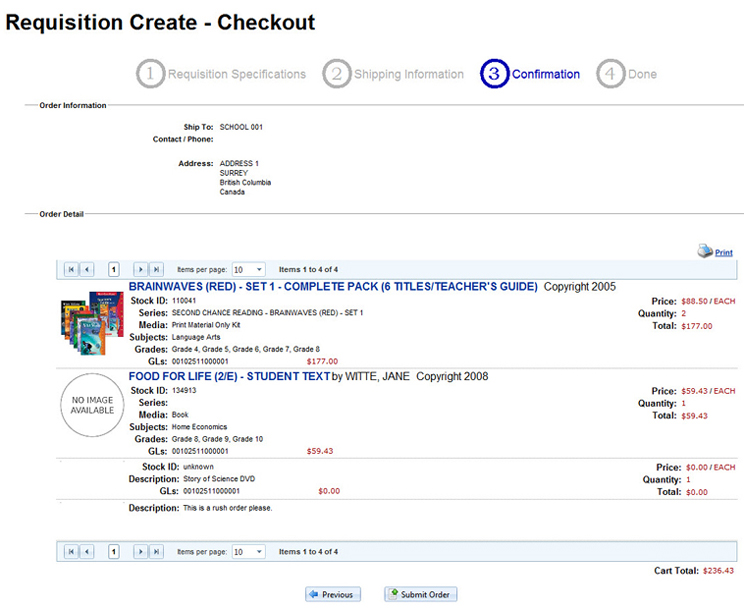
This is the final confirmation before submitting the requisition for approval. Click on the Submit Order button or choose Previous to go back to the previous screen to edit the order. Some Districts can have an "Authorizer" drop-down list configured that can impact the routing of the Requisition to different approvers so staff should be trained to understand the options if they apply to them or to leave it at "Default" for normal routing.