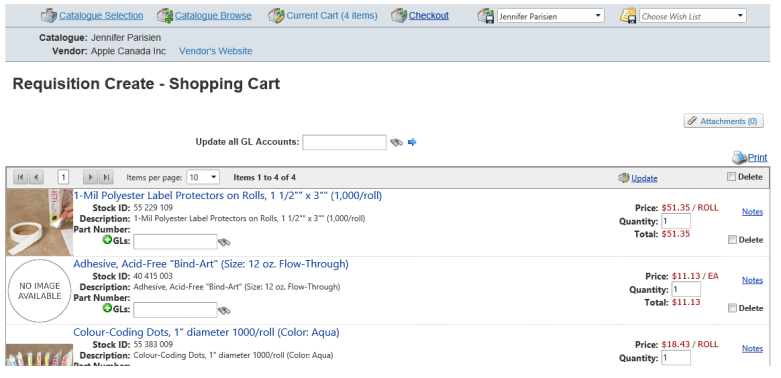
First, access the items that you wish to requisition by clicking Search Catalogue. Create category specific shopping carts and wish lists through the catalogue browse and search functions.
From a shopping cart, previously saved or current, click on the Checkout link. (Note: if the cart is empty, the Checkout link will be disabled.)
Notes: You can add attachments to a requisition to flow through to the Purchase Order from RQW and POM.
Attachments can now be viewed:
Purchasing Receipts Entry - Upload
Purchasing Receipts Changes - Upload
Invoice Entry - PO Preview
Purchase Order Inquiry - Viewer
Purchase Order Changes - Upload
Invoice Entry - PO Preview - PO attachments - Viewer