
In Requisition Web, both shopping carts and wish lists can be created; the difference being that shopping carts contain the items that will be carried through into the checkout process whereas wish lists are a collection of items for future shopping consideration. Wish List can be saved and the items within can be copied into shopping carts.
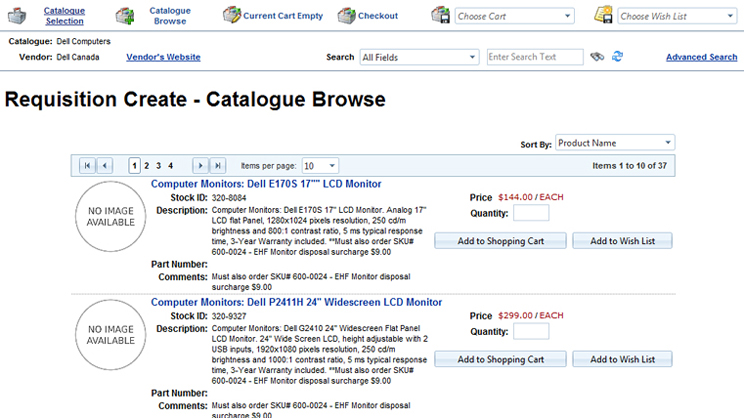
Throughout the browse and search experience, users will have access to a standard tool bar with the following six options.

-
Catalogues selection prompts for a new catalogue selection
-
Catalogue Browse resumes the browsing experience, if the user has been reviewing the current shopping cart.
-
Current cart will either show as empty, if no items have been selected, or a number will represent the selected items
-
Checkout allows the user to proceed in converting the shopping cart into a requisition
-
Saved carts will appear in the drop-down list
-
Saved Wish Lists will appear in the drop-down list
Note: When an option is underlined, it is available for selection.