Select a wish list from the drop-down menu containing any saved wish lists.

The saved wish list can then be edited in a similar fashion as the shopping cart; quantities can be updated and items can be deleted individually or by full page selection.
Additionally, items can be copied to a cart or moved to a cart.
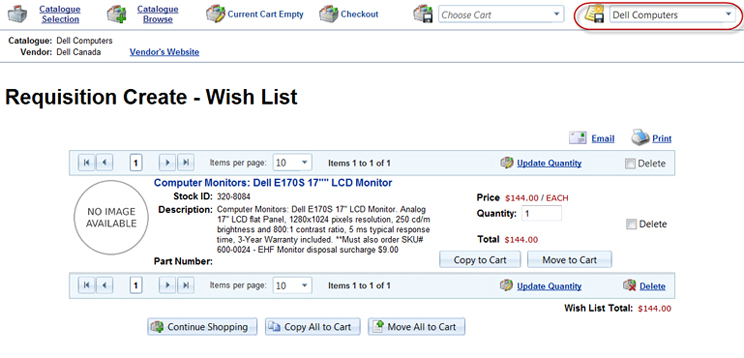
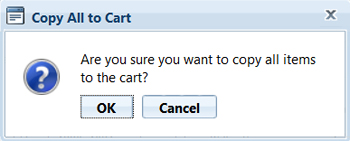
Copying items to a cart can be done individually (by item) by selecting the "Copy to Cart" button associated with the item(s) or by selecting the "Copy All to Cart" button at the bottom of the page, all items will be copied to the shopping cart for that catalogue. Copying items keeps them on the wish list.
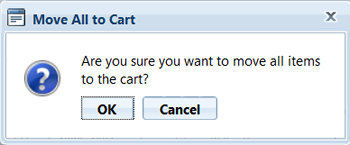
Moving items to a cart is done the same way as copying but the items no longer remain on the wish list.
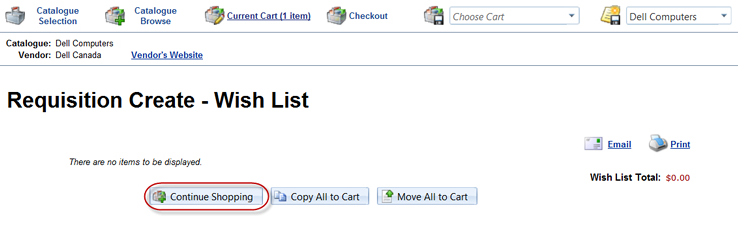
Wish lists must contain at least 1 item in order to remain active. Click "Continue Shopping" to browse the current catalogue.