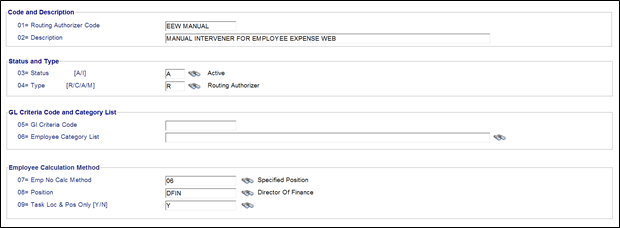
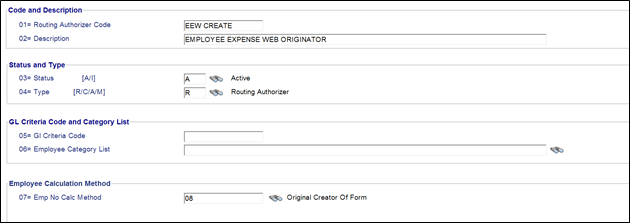
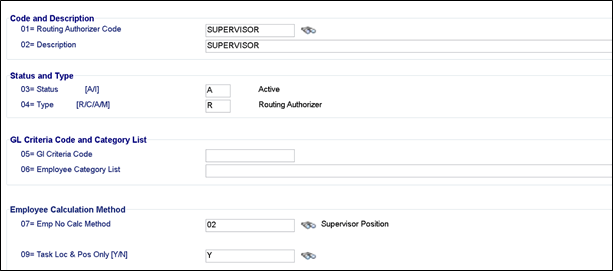
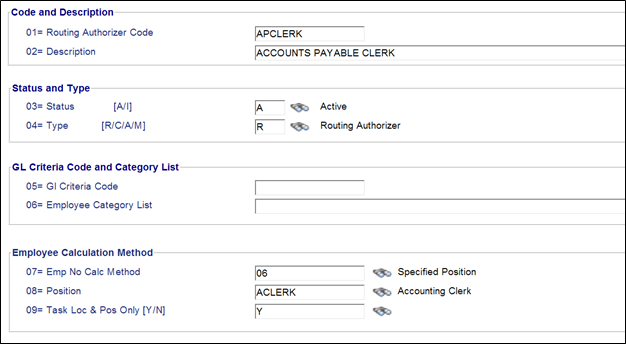
The Implementation Specialist will work with the District to identify the routing requirements for the forms and will set up the required Routing Authorizer Codes. The following examples show the basic setup requirements.
As a general rule, authorizer codes should be set up with the Employee Calculation Method as 'Specified Position' whenever possible. This is usually if the specific employee is the only one in that position, so that the routing will auto-update if a new employee takes over that position.
From the atrieveHR>Setup/Maintenance>E-Forms>E-forms and Routing Database>Routing Authorizer Menu set the required authorizers: