
Searches can be performed on individual fields in order to find a specific item. Fields will change depending on the catalogue type.
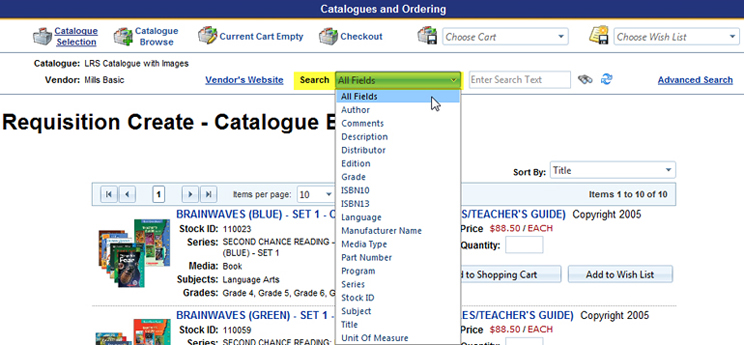
Choose which field to search on and enter the text to find matches. Click on the binoculars to initiate the search. Or use the refresh icon to clear the text search.
A search on "All Fields" will perform the search through all fields in the catalogue.


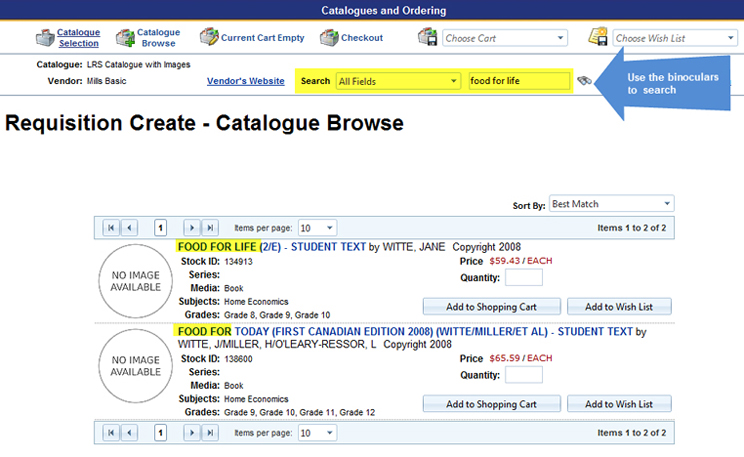
A search on a select field, such as "Title", will narrow the search/match to just that field.

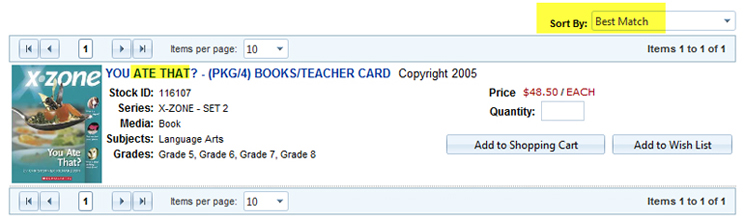
The search will also look for a "Best Match" and change the sort order of the displayed results:
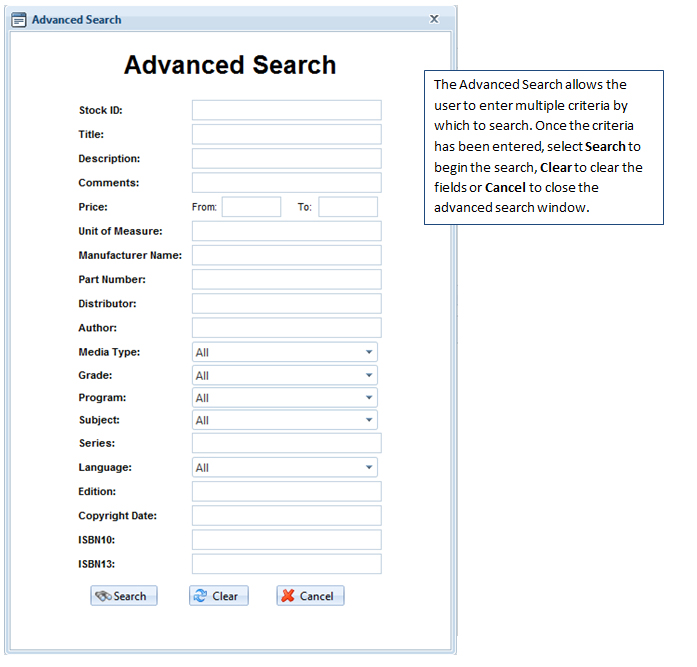
Keep in mind that spelling and text accuracy will impact the results. A broader search may be better to start with and, as the results are displayed, the search can be narrowed again.